

TM Customer Service: Hotline, Chat, App, and Store Support Guide
Knowing exactly which support channel to use when your TM SIM stops working, your load goes missing, or your promo fails to register saves you time and frustration. TM customer service operates under Globe Telecom and gives you six official ways to get help, including a 24/7 hotline, live chat, a self-service USSD menu, social media, the GlobeOne app, and in-person store assistance. Each channel suits a different type of concern, and choosing the wrong one often means waiting longer than necessary for a resolution. This guide covers every official TM contact method, what to prepare before reaching out, and quick self-help fixes for the most common TM issues.
Official TM Customer Service Hotline Numbers
The fastest way to reach TM support for urgent concerns is through the official hotline. Keep your TM mobile number and account details ready before calling, since agents or automated menus will ask for them immediately.
| Channel | Number | Cost |
|---|---|---|
| TM mobile hotline | 808 | Free (standard rates may apply) |
| Landline or non-TM network | (02) 7730-1500 | Free |
| Globe main landline hotline | (02) 7730-1000 | Free from any landline |
| TM users calling from abroad | (+632) 7730-1000 | International rates apply |
How to Contact TM Customer Service via Chat?
Chat is currently the most reliable way to reach a live TM support agent. You can use three official chat platforms depending on what device you have available.
Via GlobeOne App
Download the GlobeOne app from Google Play or the Apple App Store.
Log in using your TM number and verify with the OTP.
Tap the Help icon at the top right of the dashboard.
Select your TM account and describe your concern.
The virtual assistant Gie will respond instantly. Type “Talk to an agent” if you need a live representative.
Via Facebook Messenger (TM Tambayan)
Open Facebook and search for the official TM Tambayan page with the blue verified checkmark.
Tap Message to open the chat.
The chatbot Timmy will greet you and display service options.
Select your concern or type it directly.
Type “Live agent” if Timmy cannot resolve your issue and you need human assistance.
Via the Globe Website
Visit globe.com.ph on your browser.
Click the chat icon at the bottom right of the page.
Gie will open and ask you regarding your concern.
Type your issue clearly and follow the prompts.
Request a live agent if the automated response does not resolve your concern.
How to Use the TM Self-Service USSD Menu?
If you have no internet access and cannot call the hotline, *143# is your fastest free alternative. It works without load or data and gives you access to your balance, promo registration, and basic account information directly on your screen.
Open your phone’s dialer.
Dial *143# and press the call button.
Select from the menu options that appear on your screen.
Follow the prompts for your specific concern, such as checking balance, registering a promo, or viewing your account status.
This method is especially useful when your load is too low to call the hotline or when you are in an area with a weak data signal.
How to Check Your TM Balance Without Calling Support?
Many concerns that lead users to contact TM customer service can be resolved with a quick self-service balance check. Use these commands before calling to confirm whether your issue is a missing load, expired promo, or data depletion.
Related Articles


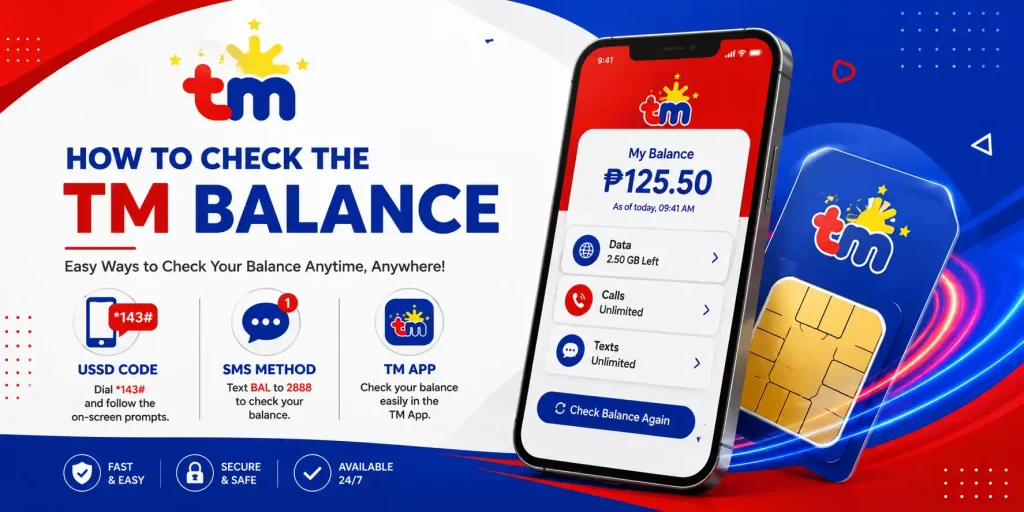
- Text BAL to 222 or 2888 to receive your current load balance via SMS.
- Text DATA BAL to 8080 to check your remaining mobile data and active promo status.
- Dial *143# and select the balance option from the menu for a free on-screen check.
- Open the GlobeOne app and view your real-time balance and data usage directly on the dashboard.
How to Visit a TM Store for In-Person Support?
Some concerns require a physical visit to a store, particularly SIM replacement, eSIM activation, SIM deactivation for a lost phone, and identity verification issues. TM and Globe share the same service centers nationwide, so you do not need to find a separate TM-only office.
- Use the Globe Store Locator at apps.globe.com.ph/store-locator to find the nearest branch.
- Bring a valid government-issued ID, your TM SIM card if available, and any reference numbers or receipts related to your concern.
- For SIM replacement, also bring an affidavit of loss if your SIM was lost or stolen.
- Arrive early since walk-in queues at major branches are longest between 11 AM and 2 PM on weekdays.
What to Do If Your TM SIM Is Lost or Stolen?
Act immediately if your TM SIM is lost or stolen to prevent unauthorized access to your GCash, banking apps, and OTP-linked accounts.
- Call (02) 7730-1000 from any landline immediately and request SIM deactivation.
- Alternatively, message the official TM Tambayan Facebook page and report the lost SIM as an urgent concern.
- Activate Scam Shield on your GlobeOne app to filter phishing SMS while your SIM issue is being resolved.
- Visit the nearest Globe Store with a valid ID and affidavit of loss to request a SIM replacement with your same number as soon as possible.
Quick Troubleshooting Before Contacting TM Support
Many common TM issues can be resolved without contacting support at all. Try these fixes first before calling or chatting with an agent.
No Signal or Weak Signal
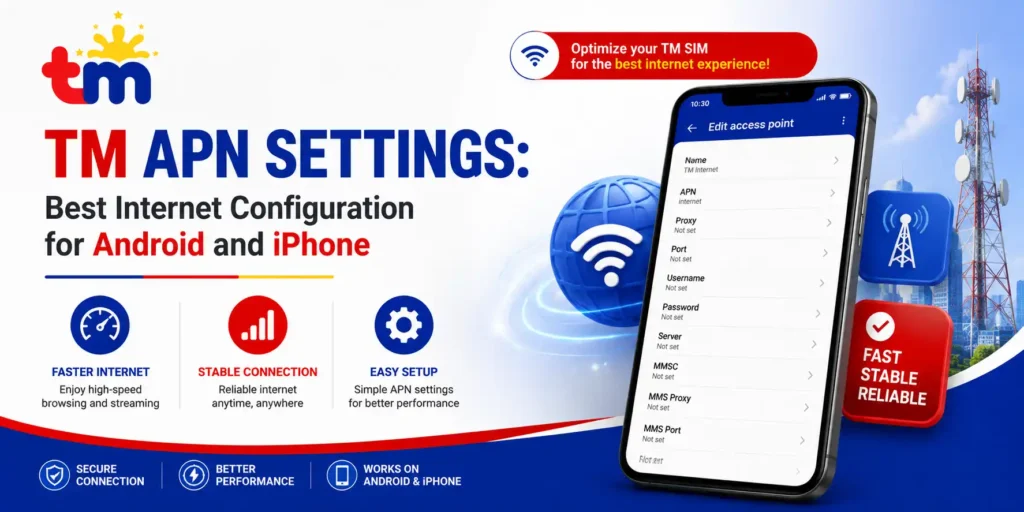
Toggle airplane mode on for 30 seconds, then off to force a network reconnect. Restart your phone and reinsert your SIM firmly if the issue persists. Check your TM APN settings and confirm the APN is set to internet.globe.com.ph if mobile data is not connecting.
Load Not Reflected After Reloading
Wait up to 5 minutes after reloading before assuming it failed. Check your balance by texting BAL to 222 to confirm whether the credit arrived. If your balance was not updated after 10 minutes, call 808 and provide your transaction reference number for faster resolution.
Promo Not Registering
Confirm your balance covers the full promo price before retrying. Check that your TM SIM is registered at the TM SIM registration portal since unregistered SIMs cannot subscribe to any promo. If both are confirmed, try registering through *143# instead of SMS or the GlobeOne app.
Frequently Asked Questions
Q1. What is the TM customer service hotline number?
Ans. Dial 808 from your TM mobile for free hotline access. If you are calling from a landline or another network, use (02) 7730-1500 instead.
Q2. Is TM customer service available 24/7?
Ans. Yes, all official TM support channels, including the 808 hotline, GlobeOne app chat, and Messenger, are available 24 hours a day, 7 days a week, including holidays.
Q3. How do I talk to a live TM agent?
Ans. Open the GlobeOne app or TM Tambayan Messenger, start a chat with the virtual assistant, and type “Talk to an agent” or “Live agent” to be connected to a real representative.
Q4. How do I contact TM customer service from abroad?
Ans. Call (+632) 7730-1000 from your TM number while abroad, or use the GlobeOne app or Messenger over WiFi to chat with support at no roaming charge.
Q5. Can I email TM customer service?
Ans. Yes, you can email [email protected] for formal inquiries. Note that chat through the GlobeOne app or Messenger is significantly faster for urgent concerns.
Q6. What can TM customer service help me with?
Ans. Support covers load and balance issues, promo registration, SIM replacement, roaming activation, account verification, lost or stolen SIM deactivation, and general network troubleshooting.
Conclusion
Reaching TM customer service is straightforward once you know which channel matches your concern. Use 808 for quick automated hotline access, the GlobeOne app or TM Tambayan Messenger for live agent chat, *143# when you have no load or data, and your nearest Globe Store for in-person SIM and account concerns. Always prepare your TM mobile number, account details, and any reference numbers before contacting support to speed up resolution. You must act immediately for lost or stolen SIM cards by calling (02) 7730-1000 or messaging TM Tambayan on Facebook to block unauthorized access before visiting a store.